Most professionals don’t lose focus time because they’re lazy. They lose it because their calendar fills up from the outside in — meetings stacking on top of each other until there’s no space left for actual work. Reclaim AI was built to fix exactly that.
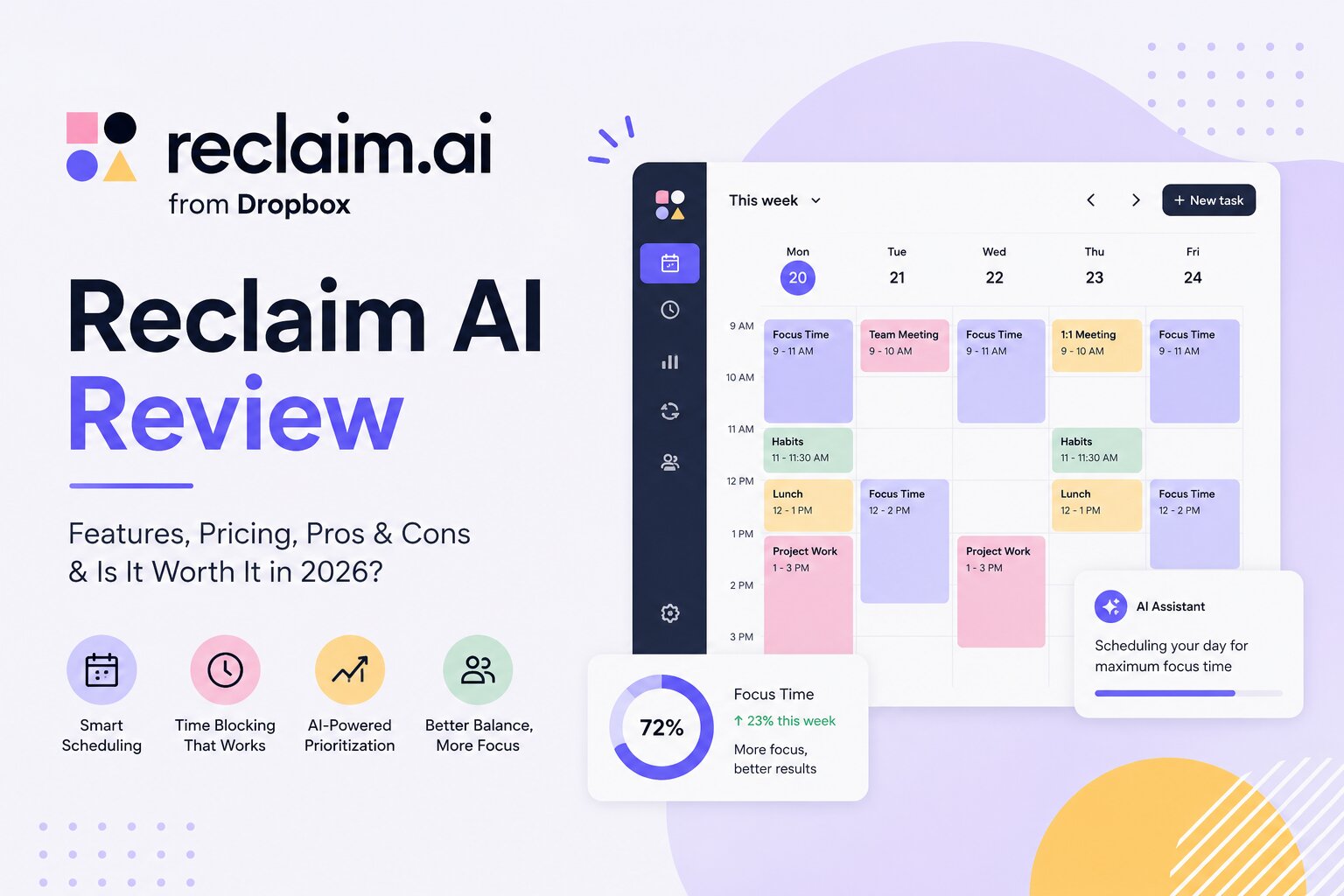
Reclaim is an AI-powered scheduling assistant that automatically defends time for your tasks, habits, and deep work sessions — and intelligently reschedules them when your day changes. It doesn’t just block time. It thinks about your priorities, learns your patterns, and continuously optimises your calendar in the background.
With a free plan available and paid plans starting at just $8 per user per month, it’s one of the most affordable AI productivity tools on the market. In this review, we cover what Reclaim does, who it’s built for, how it prices, and whether it’s worth adding to your workflow in 2026.
What Is Reclaim AI?
Reclaim AI is a smart calendar assistant that integrates with Google Calendar and Microsoft Outlook to automatically schedule your tasks, protect focus time, manage recurring habits, and find the best times for meetings — all without manual calendar juggling.
Originally built with Google Calendar as its foundation, Reclaim added full Outlook support in 2025 with feature parity across both platforms. It uses machine learning and natural language processing to understand your priorities, deadlines, and working preferences, then actively manages your calendar to protect the time that matters.
It’s particularly valuable for knowledge workers, remote teams, project managers, and anyone who regularly finds themselves at the end of a day wondering where the hours went. Here’s what the platform covers:
- AI Focus Time — automatically blocks and defends deep work sessions
- AI Tasks — schedules your to-do items directly into your calendar based on priority and deadline
- AI Habits — protects recurring routines like lunch, exercise, or team syncs from being overbooked
- AI Scheduling Links — smart meeting links that show availability across all connected calendars
- Smart Meetings — automatically finds the best time for 1:1s and recurring team meetings
- Buffer Time — auto-schedules breaks and travel time around meetings and work sessions
- Time Tracking & Analytics — visualises how you spend time across meetings, tasks, and habits
- Team OOO Calendar — makes out-of-office visibility automatic across the team
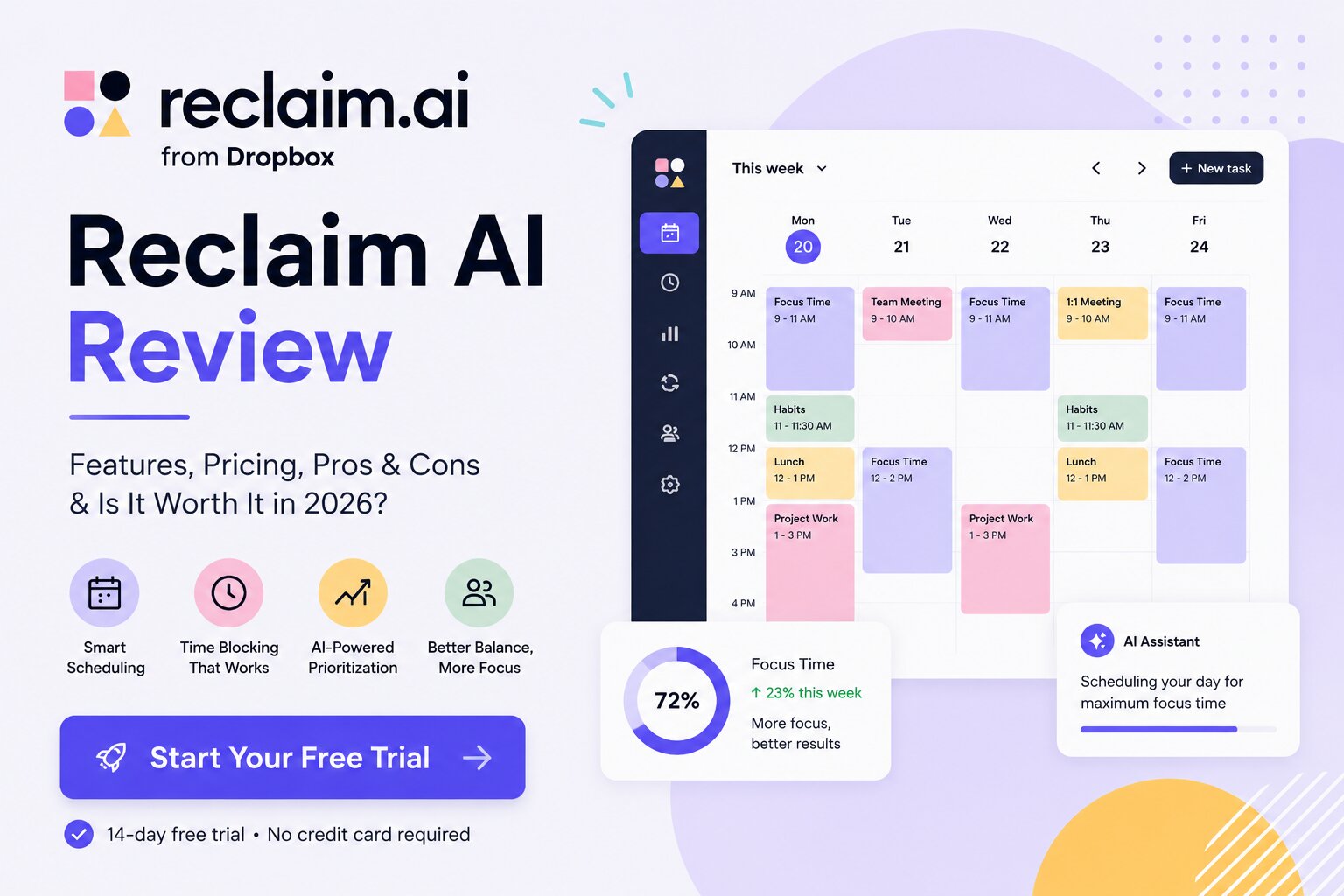
Key Features of Reclaim AI
1. AI Focus Time
This is the feature most users come for. You set a weekly focus time goal — say, 15 hours of deep work — and Reclaim automatically finds and defends those blocks around your existing commitments. When a new meeting gets scheduled, Reclaim doesn’t just absorb the loss. It reschedules your focus blocks to the next best available slot, maintaining your weekly goal rather than letting it erode.
You can configure two modes: Proactive (Reclaim fills your calendar in advance) and Reactive (it finds time as your schedule shifts). Most users start proactive and adjust based on how their work style fits.
2. AI Tasks
Reclaim integrates directly with task management tools including Asana, Todoist, Linear, ClickUp, Jira, and Google Tasks. When you set a task with a due date and estimated time, Reclaim automatically schedules work sessions into your calendar — prioritising by deadline and importance. As tasks get completed or delayed, the calendar adjusts accordingly.
This is one of Reclaim’s most practical features for professionals managing multiple projects. Instead of deciding each morning when to work on what, your calendar already shows you exactly where each task fits.
3. AI Habits
Habits in Reclaim are flexible recurring time blocks for activities you want to protect — lunch, morning planning, exercise, a weekly review. Unlike hard calendar blocks that get crushed by meetings, Reclaim’s habits are flexible within your defined parameters. You tell it ‘I want 30 minutes of lunch between 12pm and 2pm’ and it finds the best available slot that day, moving the block earlier or later as your schedule allows.
4. AI Scheduling Links
Reclaim’s scheduling links work similarly to Calendly but pull availability from all your connected calendars simultaneously — including personal calendars you’ve synced privately. This eliminates double-booking across work and personal life without exposing personal event details to meeting guests. Reclaim reports that its flexible duration scheduling links increase available time slots by up to 524% compared to fixed-duration tools.
5. Time Tracking & Analytics
The Stats panel gives a clear breakdown of how your time is actually spent — meetings versus focus work versus habits, with trends over time. For managers and team leads, the Business plan’s workforce analytics add org-level visibility into how teams are spending their working hours, which is increasingly valuable for capacity planning and identifying burnout risk before it peaks.
6. Integrations
Reclaim connects natively with Google Calendar, Microsoft Outlook, Asana, Todoist, Linear, ClickUp, Jira, HubSpot, Google Tasks, and Slack (for status sync). A Mac menu bar app and browser extensions for Chrome and Outlook make it easy to create tasks, check your schedule, and join meetings without leaving your current workflow. Note that iCloud Calendar integration requires a manual workaround and is not natively supported.
Reclaim AI Pricing (2026)
Reclaim uses a freemium model with four tiers. Annual billing saves 29% compared to monthly. Discounts are also available for switching from Clockwise, Motion, or Calendly, and for non-profit organisations.
| Plan | Price (Annual) | Users | Key Features |
| Lite | Free forever | 1 user | 1 habit, 1 scheduling link, 1 calendar sync |
| Starter | $8/user/mo | Up to 10 | Unlimited habits, 3 scheduling links, task integrations |
| Business | $12/user/mo | Up to 100 | Team analytics, priority support, admin controls |
| Enterprise | $18/user/mo | 100+ users | SSO, SCIM provisioning, dedicated onboarding |
The Lite plan is genuinely free forever — not a trial. It’s enough to test the core concept. But most individual professionals will land on the Starter plan, where unlimited habits and full task integrations make the experience significantly more powerful. At $8 per user per month on annual billing, it’s one of the strongest value propositions in the AI productivity space.
Pros and Cons
Pros
- Automatically reschedules focus time when meetings shift — not just blocks it once
- Task scheduling integrates directly with Asana, Todoist, Linear, ClickUp, and Jira
- Flexible habits protect routines without hard-blocking the calendar
- Free Lite plan available forever — no credit card required
- Full Outlook support with feature parity to Google Calendar as of 2025
- Scheduling links pull from all calendars simultaneously, eliminating double-booking
- Strong privacy controls — personal event details hidden from colleagues by default
- Affordable paid plans starting at $8/user/month — competitive for AI productivity tools
Cons
- No native mobile app — web and desktop browser only
- iCloud Calendar requires a manual multi-step workaround to integrate
- No email management features — inbox chaos is outside its scope entirely
- Advanced team features (analytics, admin controls) locked behind Business plan
- Per-user pricing scales up for larger teams — a 15-person team at Business tier costs $180/month
- Missed tasks don’t always create strong alerts — tasks can slip without sufficient friction
- Occasional notification quirks reported by Outlook users, though being actively addressed
Who Is Reclaim AI Best For?
Reclaim delivers the most value for:
- Knowledge workers and remote professionals who struggle to protect focus time against a constantly filling calendar
- Project managers juggling multiple workstreams who need task deadlines translated into actual scheduled work sessions
- Small to mid-size teams looking to improve meeting culture, protect deep work, and gain visibility into how time is actually spent
- Freelancers and consultants managing both client work and personal commitments from overlapping calendars
- Sales and engineering teams that Reclaim specifically supports with dedicated workflow templates and integrations
It’s less suited for users who primarily need email management, teams requiring a full project management platform, or anyone whose core scheduling need is client-facing appointment booking rather than internal time protection.
Reclaim AI Quietly Solves One of the Biggest Productivity Problems of 2026
Calendar chaos is not a discipline problem. It’s a systems problem. Most professionals don’t need another reminder app or another to-do list — they need something that actually puts their priorities into their calendar and keeps them there when the day goes sideways.
That’s what Reclaim does. The focus time defence, habit scheduling, and task-to-calendar integration work together in a way that feels genuinely intelligent rather than just automated. The fact that it reschedules around disruptions — rather than simply accepting the loss — is what sets it apart from basic time-blocking tools.
At $8 per user per month, the Starter plan is a low-risk investment for anyone serious about reclaiming their working hours. The free Lite plan means there’s no reason not to try it first.
Overall Rating: 4.5 / 5 — Highly recommended for professionals and teams ready to stop letting meetings win.
Frequently Asked Questions
Is Reclaim AI free?
Yes. Reclaim offers a free Lite plan that is available forever with no credit card required. It includes one habit, one scheduling link, one calendar sync, and basic focus time scheduling. Most active professionals will upgrade to Starter for unlimited habits and full task integrations, but the free plan is a genuine starting point.
Does Reclaim AI work with Microsoft Outlook?
Yes. Reclaim added full native Outlook support in 2025 with feature parity to its Google Calendar integration. Early users report occasional notification quirks that the development team is actively addressing, but the core scheduling features — focus time, habits, tasks, and scheduling links — all work with Outlook.
How is Reclaim AI different from Clockwise or Motion?
All three are AI scheduling tools, but they take different approaches. Clockwise focuses primarily on meeting optimisation for teams — moving meetings to create focus time blocks. Motion combines task management with scheduling but is priced higher. Reclaim sits in the middle: strong on individual focus time defence and habit protection, with solid task integration and more affordable pricing than Motion. Reclaim also offers a switching discount for users coming from Clockwise, Motion, or Calendly.
Can Reclaim AI replace Calendly?
For many users, yes. Reclaim’s scheduling links cover the core use case — sharing availability and letting contacts book time — while pulling from all connected calendars to avoid double-booking. The key advantage over Calendly is that Reclaim’s links are aware of your entire scheduling context, including habits and focus blocks. Dedicated scheduling platforms like Calendly have more booking page customisation and payment integrations, which Reclaim doesn’t offer.
Is my calendar data private with Reclaim?
Reclaim uses encryption in transit and at rest to protect calendar data. Personal event details are hidden from colleagues by default — colleagues see you as busy but not the content of personal events. The Enterprise plan includes SSO and SCIM user provisioning for organisations with stricter security requirements. Reclaim allows users to erase their data at any time.