Most small service businesses run on a Frankenstack — a CRM here, an invoicing tool there, a separate email platform, a booking app, and a payment processor, all loosely stitched together. Keap (formerly Infusionsoft) was built to tear that stack apart and replace it with a single system. But Keap is premium-priced and not for everyone. Our Keap review covers exactly what you get, what you don’t, and whether the investment makes sense for your business in 2026.
It promises to handle your contacts, automate your follow-ups, send your invoices, process payments, schedule your appointments, and run your email and SMS campaigns — all from one login. For coaches, consultants, agencies, and service businesses doing serious volume, that promise is worth paying for.
What Is Keap?
Keap is an all-in-one CRM and marketing automation platform built specifically for small and service-based businesses. Originally launched in 2001 as Infusionsoft — one of the earliest automation platforms for small business — it rebranded to Keap in 2019 to better reflect its focus on helping entrepreneurs grow without the chaos.
In late 2024, Thryv Holdings acquired Keap for $80 million, folding it into a broader SMB software ecosystem. Keap continues to operate as its own standalone product with the same feature set and roadmap.
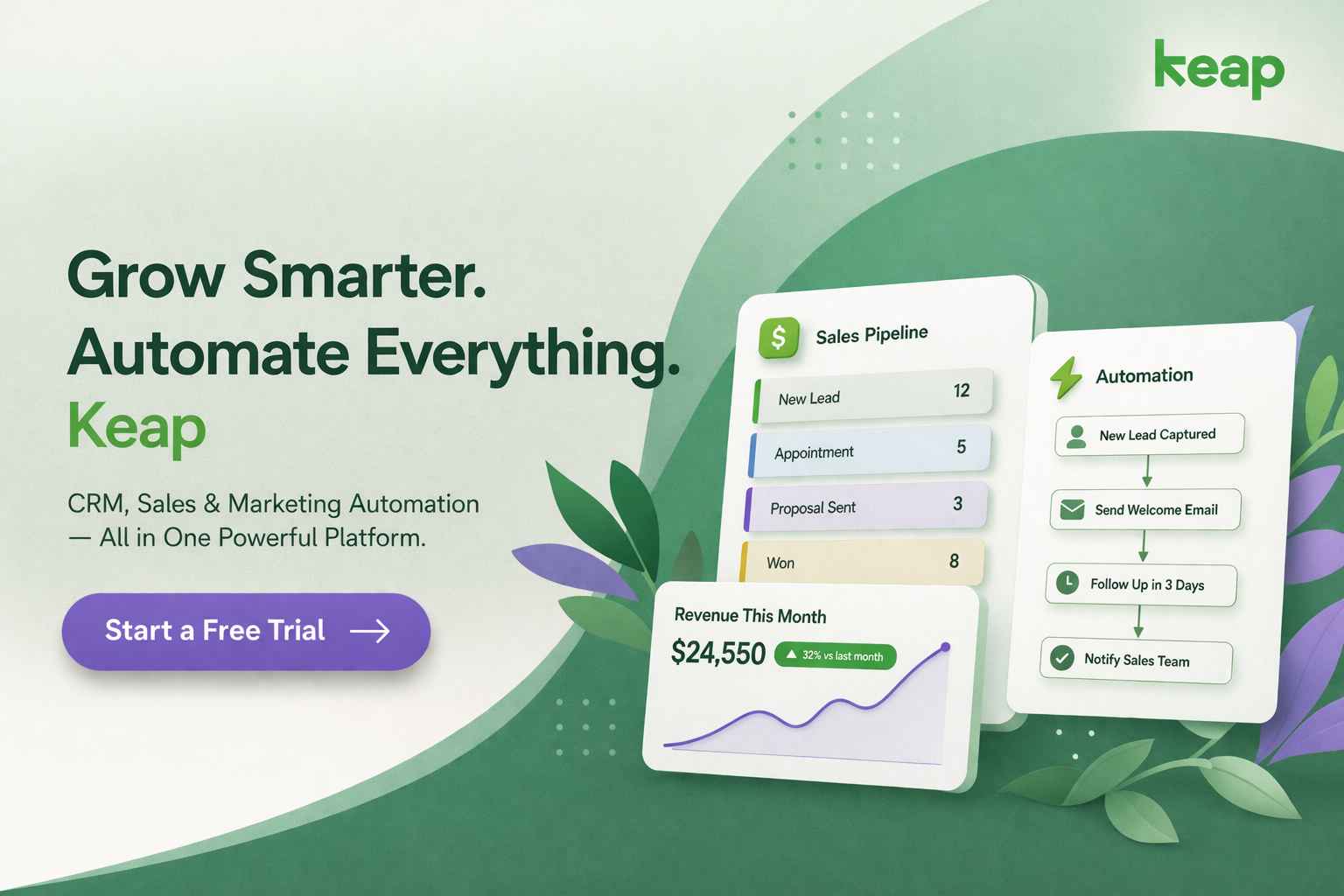
Unlike tools that specialise in just email or just CRM, Keap combines everything into a single platform:
- Contact management and CRM with custom fields and tagging
- Visual marketing automation with drag-and-drop campaign builder
- Email and SMS marketing with broadcast and automated sequences
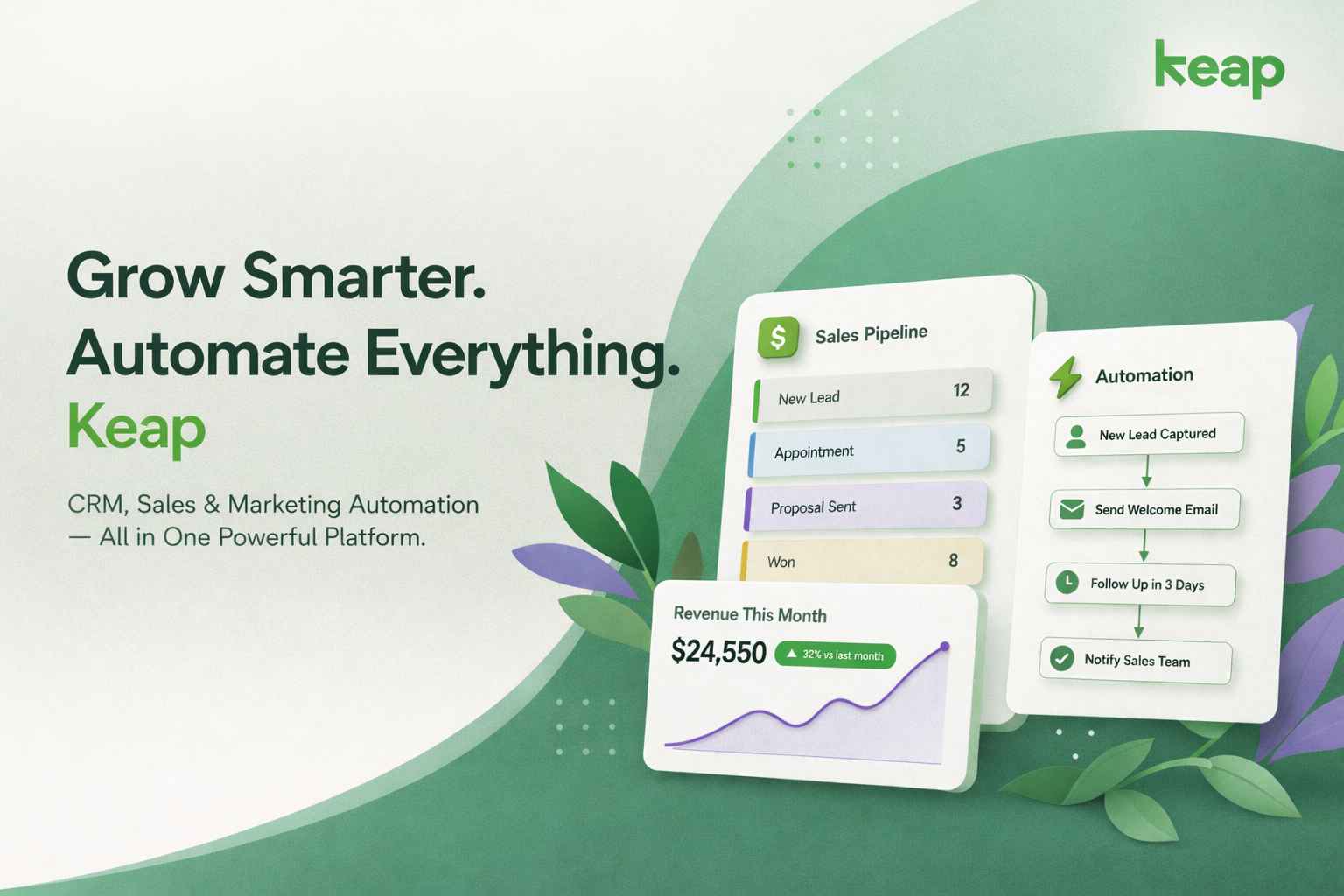
- Built-in sales pipeline with kanban-style deal management
- Native payment processing and invoice management
- Appointment scheduling synced with Google and Outlook Calendar
- Landing pages and lead capture forms
- AI-powered automation suggestions and email copy generation
- Dedicated business phone line for calls and texts (US only)
Key Features of Keap
1. CRM & Contact Management
Keap’s CRM is the foundation of everything. Each contact record shows the full picture — email history, automation activity, invoices sent, appointments booked, and notes — all in one view without switching tabs. You can apply custom tags, segment contacts into dynamic lists, and trigger automated actions directly from the contact card.
This centralised view is one of the most frequently praised features by long-term users. For service businesses managing client relationships across multiple touchpoints, it eliminates the fragmentation that comes from using separate tools.
2. Marketing Automation
Keap’s visual Campaign Builder is its standout feature. The drag-and-drop canvas lets you build multi-step automated workflows that respond to contact behaviour — form submissions, email opens, purchase history, appointment bookings, and more. There are 52+ pre-built automation templates covering lead generation, follow-up sequences, appointment reminders, re-engagement campaigns, and referral programs.
For simple tasks, the ‘when-then’ easy automation builder handles the basics without any canvas work. For complex sequences — conditional logic, split paths, goal steps — the full Campaign Builder gives you the depth you need. The AI assistant can also generate entire automation sequences from a text prompt, which meaningfully speeds up setup for non-technical users.
3. Email & SMS Marketing
Keap includes a drag-and-drop email builder with modern responsive templates, broadcast email sending, and automated sequence delivery. Two-way Gmail and Outlook sync means your team’s email conversations are logged against the correct contact record automatically.
SMS marketing is built in for US users, with 500 messages and 100 voice minutes included in the base plan. Two-way text conversations with contacts are managed from the same inbox as email, keeping communication consolidated. A dedicated business phone number is included, keeping personal and professional calls separate.
4. Sales Pipeline
Keap’s kanban-style pipeline gives sales teams a visual overview of every active deal and its stage. Moving a deal forward can automatically trigger actions — send a follow-up email, create a task, apply a tag, or schedule a call. This makes the pipeline more than just a visual tracker; it becomes an active part of your automation system.
5. Payments & Invoicing
This is where Keap genuinely separates itself from most CRM and email tools. Native payment processing lets you send quotes, convert them to invoices with two clicks, and accept payments directly through the platform. Keap connects with Stripe, PayPal, and its own payment processor. You can also set up recurring billing, apply promotional discounts at checkout, and track revenue through the built-in reporting dashboard.
For service businesses that currently juggle a CRM and a separate invoicing tool, this alone can justify the switch to Keap.
6. Appointment Scheduling
Keap’s built-in scheduling tool syncs with Google Calendar and Outlook, letting clients book directly from a link without back-and-forth emails. Bookings can automatically trigger a confirmation email, add the contact to an onboarding sequence, or create a task for a team member. It’s a practical feature that connects scheduling directly to your automation workflows.
7. AI Assistant
Keap’s AI assistant generates email copy, writes automation sequences from text prompts, suggests CTAs, and translates content for multilingual campaigns. For business owners who don’t want to stare at a blank screen, it meaningfully speeds up campaign creation. The AI is available across the platform — not just in the email builder.
8. Integrations
Keap connects with 230+ tools via native integrations and Zapier. Key integrations include Shopify, WooCommerce, QuickBooks, Typeform, WordPress, Gmail, and Outlook. API access is available for custom workflows. Note that some marketplace integrations carry additional monthly fees or one-time licence costs.
Keap Pricing (2026)
Keap uses a single all-inclusive plan — every subscriber gets the full platform regardless of contact count. Pricing scales based on the number of contacts and users you need. Annual billing saves 17%.
| Contacts | Users Included | Monthly Price | Annual Price |
| 1,500 | 2 users | $299/mo | $249/mo (save 17%) |
| 2,500 | 3 users | $399/mo | $329/mo (save 17%) |
| 5,000 | 3 users | $499/mo | $409/mo (save 17%) |
| 10,000+ | Custom | Custom | Contact Keap |
Important costs to factor in: Keap charges a mandatory one-time implementation fee starting at $500. This covers data migration, done-for-you automations, and onboarding with a dedicated Implementation Strategy Manager. You cannot waive this fee — Keap’s view is that guided setup drives better long-term outcomes.
Additional users cost $39/month each. SMS marketing beyond the included 500 messages costs $0.015 per text. A 14-day free trial is available with limited features — no payment processing and a 25-email sending cap — but it’s enough to explore the platform before committing.
Pros and Cons
Pros
- Genuinely all-in-one: CRM, email, SMS, pipeline, invoicing, payments, and scheduling in a single platform
- Industry-leading automation builder with 52+ templates and AI-powered sequence generation
- Native payment processing eliminates the need for a separate invoicing or billing tool
- Centralised contact view shows full history — emails, actions, payments, appointments — in one place
- Built-in appointment scheduling connects directly to automation workflows
- Dedicated business phone line keeps personal and professional communication separate
- Strong onboarding support with a dedicated Implementation Strategy Manager
- 14-day free trial available — no credit card required
Cons
- Premium pricing — starts at $249/month annually, making it one of the more expensive SMB CRMs
- Mandatory $500 implementation fee adds to the Year 1 cost
- No permanently free plan — unlike HubSpot or Zoho CRM
- SMS and phone features limited to US users (1:1 texting also in Canada)
- Steeper learning curve than lighter tools like ActiveCampaign or Pipedrive
- Integration library is narrower than ActiveCampaign’s
- Early termination of annual contracts triggers a $299 cancellation fee
- Cancellation requires a phone call at least 10 days before next billing — not self-serve
Keap vs. Competitors (2026)
How does Keap compare to the tools it’s most often measured against?
| Platform | Starting Price | Free Plan | Built-in Payments | Automation Depth | Best For |
| Keap | $249/mo | Trial only | Yes (native) | Advanced | Service businesses & coaches |
| ActiveCampaign | $19/mo | No | No | Very deep | Email automation focus |
| HubSpot | $0 (CRM) | Yes | No | Advanced (paid) | B2B sales teams |
| Zoho CRM | $14/mo | Yes (3 users) | Limited | Moderate | Budget-conscious teams |
| Pipedrive | $14/mo | No | No | Basic | Sales pipeline focus |
Who Is Keap Best For?
- Service-based businesses — coaches, consultants, agencies, home services — that need CRM, automation, and billing in one place
- Businesses replacing a Frankenstack — teams currently using 3–5 separate tools for CRM, email, invoicing, scheduling, and payments
- Established small businesses doing $150,000+ in annual revenue where the ROI on automation is clear
- Teams with dedicated marketing staff who can invest time in setting up the Campaign Builder properly
- US-based businesses that want to use SMS marketing, the business phone line, and text automation features
Keap is less suited for early-stage startups watching every dollar, pure email marketers who don’t need CRM depth, or businesses outside the US who want to use SMS features.
Frequently Asked Questions
Does Keap have a free plan?
No. Keap does not offer a permanently free plan. A 14-day free trial is available with limited features — you can explore the platform, build automation sequences, and manage contacts, but payment processing and SMS are not active during the trial.
What is the mandatory implementation fee?
Keap charges a one-time implementation fee starting at $500 for all new customers. It covers data migration, initial automation setup, strategy sessions with an Implementation Strategy Manager, and integration configuration. You cannot waive this fee. Factor it into your Year 1 budget alongside the subscription cost.
Is Keap worth the price?
For service businesses currently using three or more separate tools for CRM, email marketing, invoicing, and scheduling, Keap can be cost-effective when you consolidate those subscriptions. For businesses that only need basic email marketing or a simple contact database, the starting price of $249/month is likely too high.
Can Keap replace my invoicing tool?
Yes, for most service businesses. Keap’s native payment processing lets you create quotes, convert them to invoices, accept payments via Stripe or PayPal, and set up recurring billing — all without a separate tool. This is one of Keap’s clearest differentiators from competitors like ActiveCampaign and HubSpot. See the full payment features here.
Is Keap available outside the US?
The core CRM, email marketing, and automation features work globally. However, the business phone line, SMS broadcast campaigns, and text automation are currently limited to the US (with 1:1 texting also available in Canada). The mobile app supports US, UK, Australia, Canada, and New Zealand.
How does Keap compare to Infusionsoft?
Keap and Infusionsoft are the same company. Infusionsoft rebranded to Keap in 2019 to signal a sharper focus on small and service-based businesses. The platform has since been significantly simplified and updated, with a cleaner interface, AI features, and a more accessible onboarding experience than the original Infusionsoft product.
What happens if I cancel my annual contract early?
Cancelling an annual contract before the term ends triggers a $299 early termination fee. Cancellation must be initiated by phone at least 10 days before your next billing date. Plan your evaluation period carefully — the 14-day free trial is the best time to decide before committing to an annual plan.